OEM SaaS Guidance
I Registration and Log in
Registration as a brand owner:
EU: https://residential.console.tuyaeu.com/register
US: https://residential.console.tuyaus.com/register
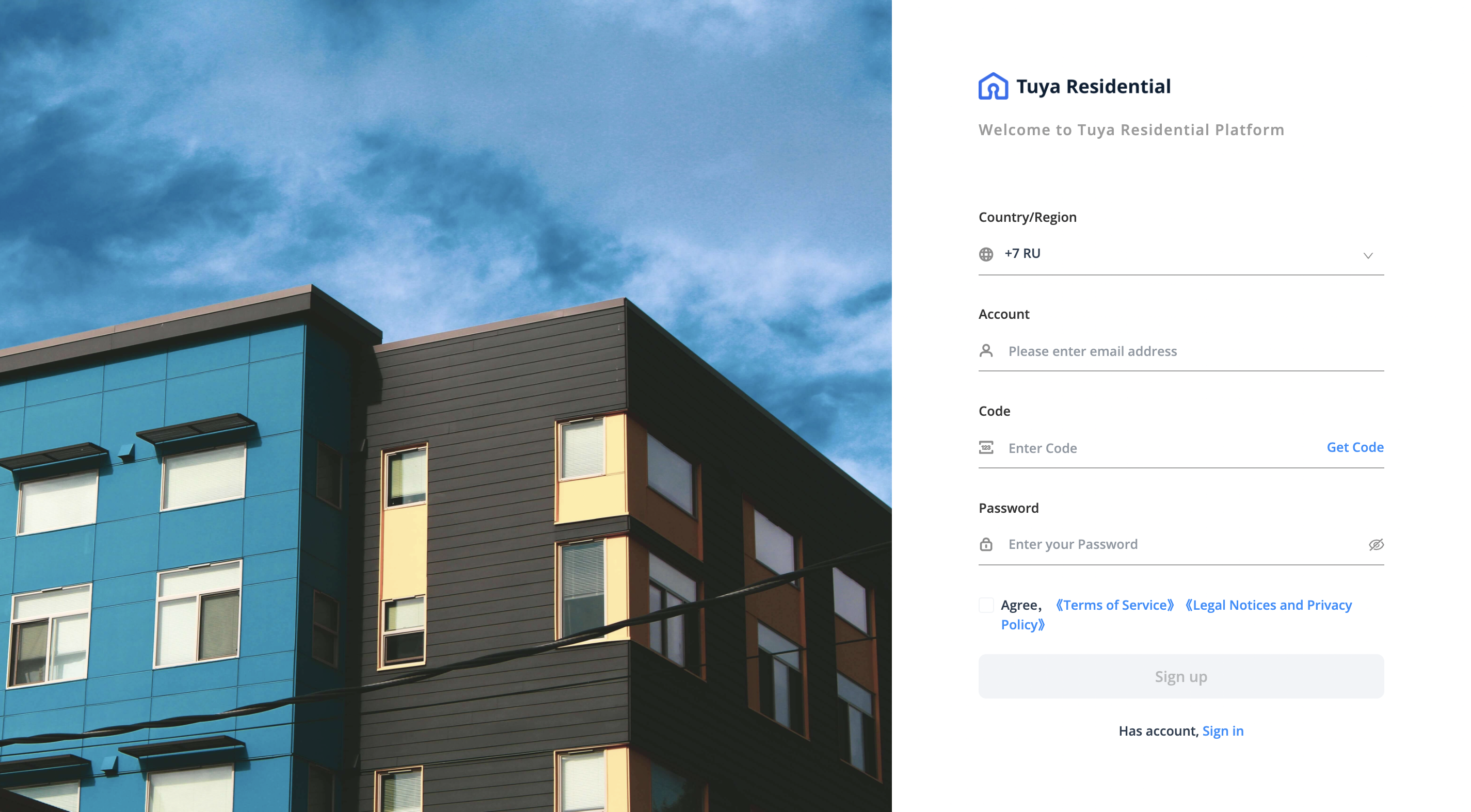
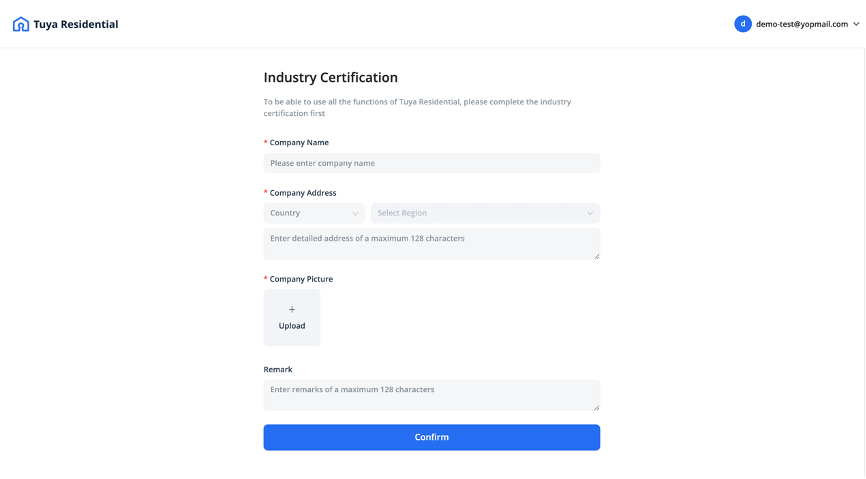
Fill in your information and submit, the application will be reviewed within 3 working days.
The Account Manager you’re working with will inform you once the review process has done.
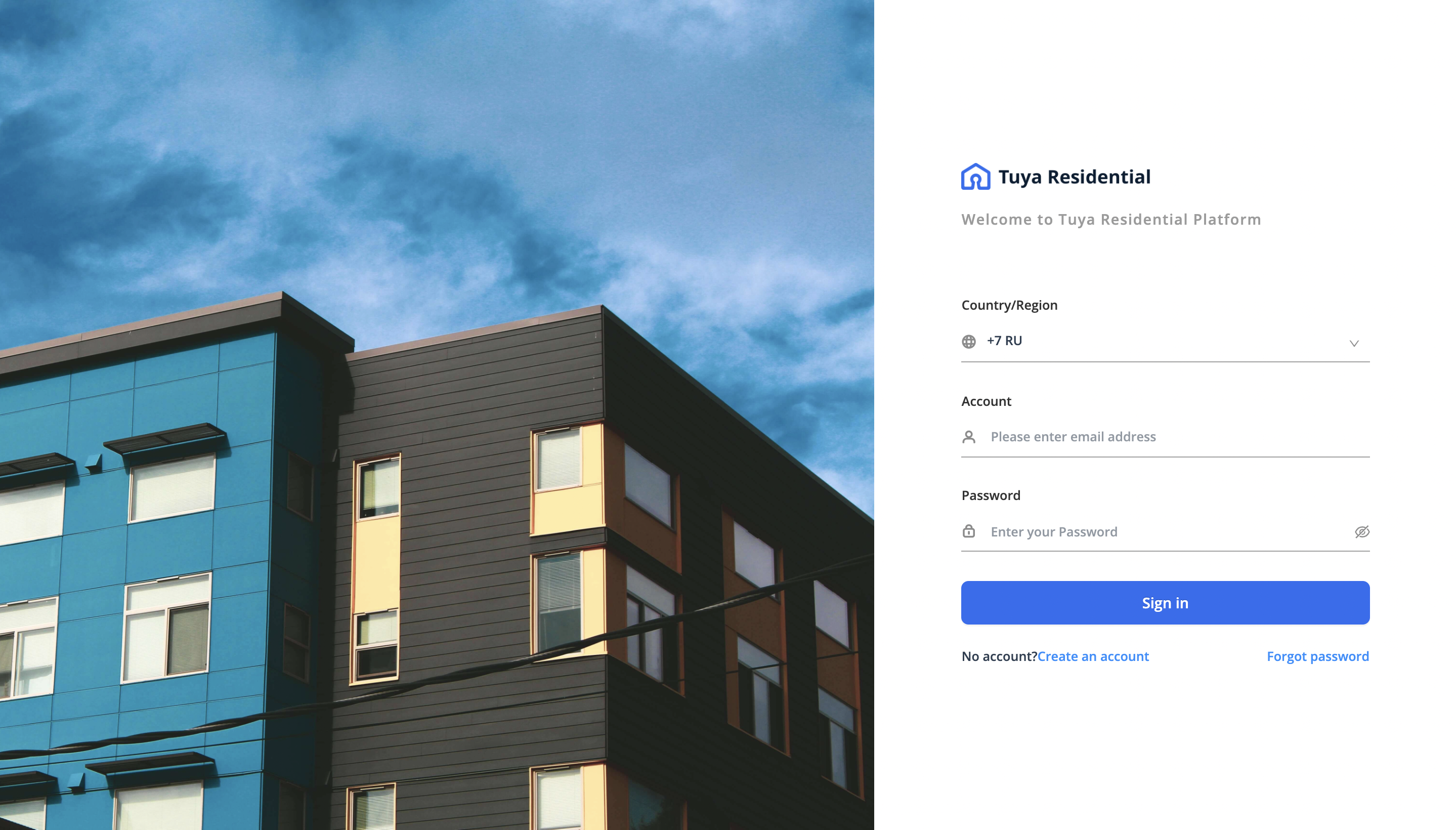
Distributor owners Log in URL:
EU: https://residential.console.tuyaeu.com/login
US: https://residential.console.tuyaus.com/login
II SaaS account OEM
Required materials:
- OEM Domain
Use the domain name registered by your company name. For example, residential.xxx.com
After that, purchase an SSL certificate for it and download the nginx type.
The Domain needs to CNAME to Tuya Residential SaaS Default Domain.
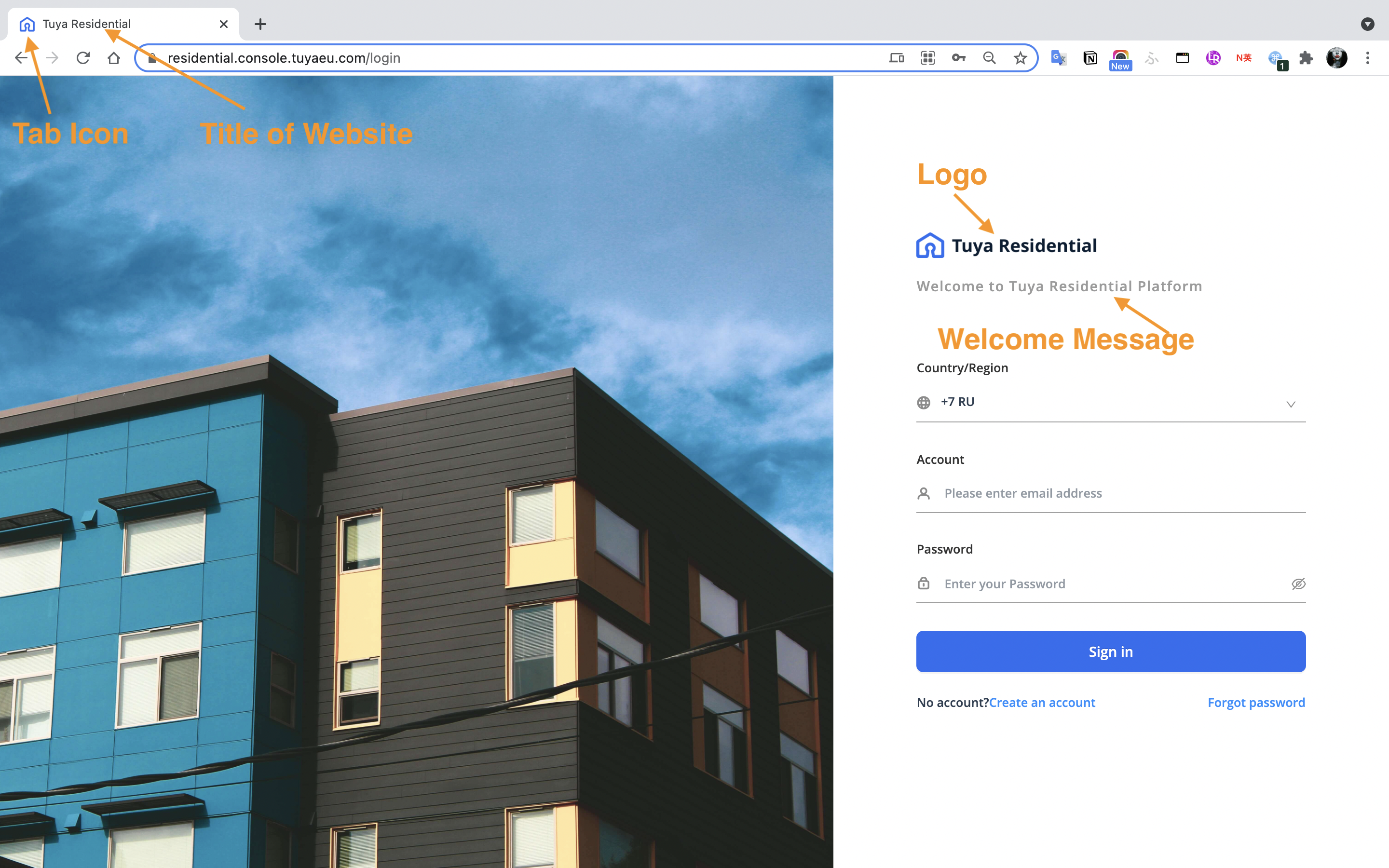
- Title of website
Input the title of your website, which displays in the browser tab.
For example, Brand Residential

- Welcome Message
Input the message and displays in your login page.
For example, Welcome to Tuya Residential Platform
- Key file
Domain Security Certification, file extension: *.Key
Please confirm with the server provider.
- cer/pem/crt file
Domain Security Certification, file extensions: *.cer / *.pem / *.crt
Please confirm with the server provider.
- Tab Icon
size 64px * 64px, file extension: *.png *.jpg
Please be noted the file size can not exceed 10 M-Byte.
- Logo - The text shall not be white or transparent, see sample below
size 140px * 32px, file extension: *.png *.jpg
Please be noted the file size can not exceed 10 M-Byte